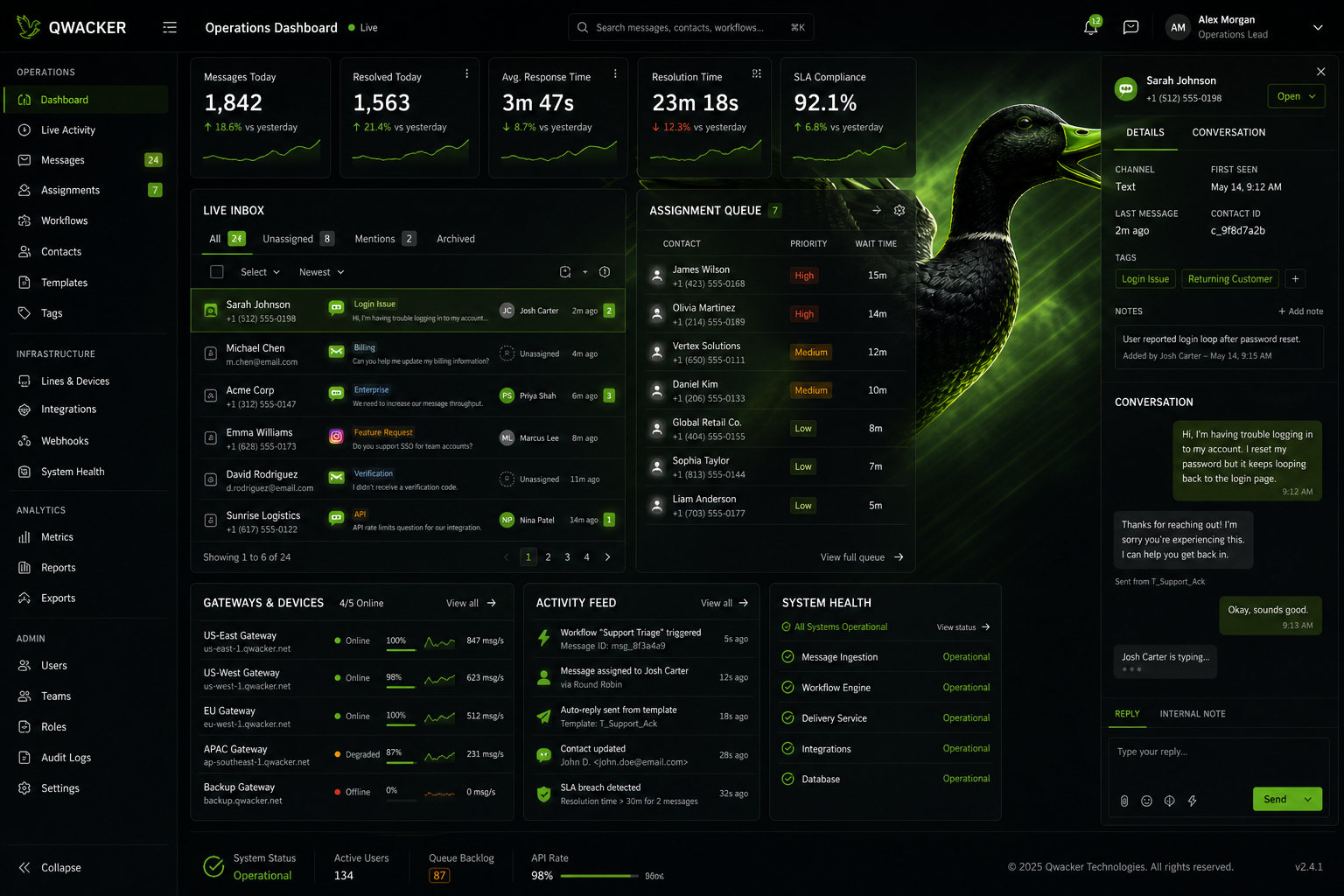
Built For Live Workflow Use
The software is meant to be used from inside the operational surface, not as a disconnected communication tool that forces extra manual handling.
 QWACKER
Software
Qwacker software is designed to keep messaging, reply handling, updates, and customer action paths attached to the same work your team is already managing.
The software is meant to be used from inside the operational surface, not as a disconnected communication tool that forces extra manual handling.
Replies, updates, requests, and routed message activity stay visible to the team where the work is already being tracked.
Start with one customer action path, prove it works, and expand into a larger software operating model without changing the core system logic.
Qwacker software is strongest when the team needs messaging to stay attached to jobs, records, updates, and customer actions rather than floating in a separate inbox or isolated channel.
Qwacker is expanding into a full integrated business software family built around customer communication, workflow movement, and connected operational control.
A planned software lane for connecting customer records, updates, invoices, and two-way communication in one business workflow.
A planned small-business software lane built around connected customer communication and practical day-to-day workflow visibility.
A planned growth lane for broader portal, team, and customer-communication coordination. Final capabilities depend on the selected configuration.
A planned operations lane for larger teams that need broader workflow visibility and control. Final capabilities depend on the selected configuration.
Business Software Surface
Bring customer threads, records, and operator actions into one connected workspace built for the growing Qwacker business software family.
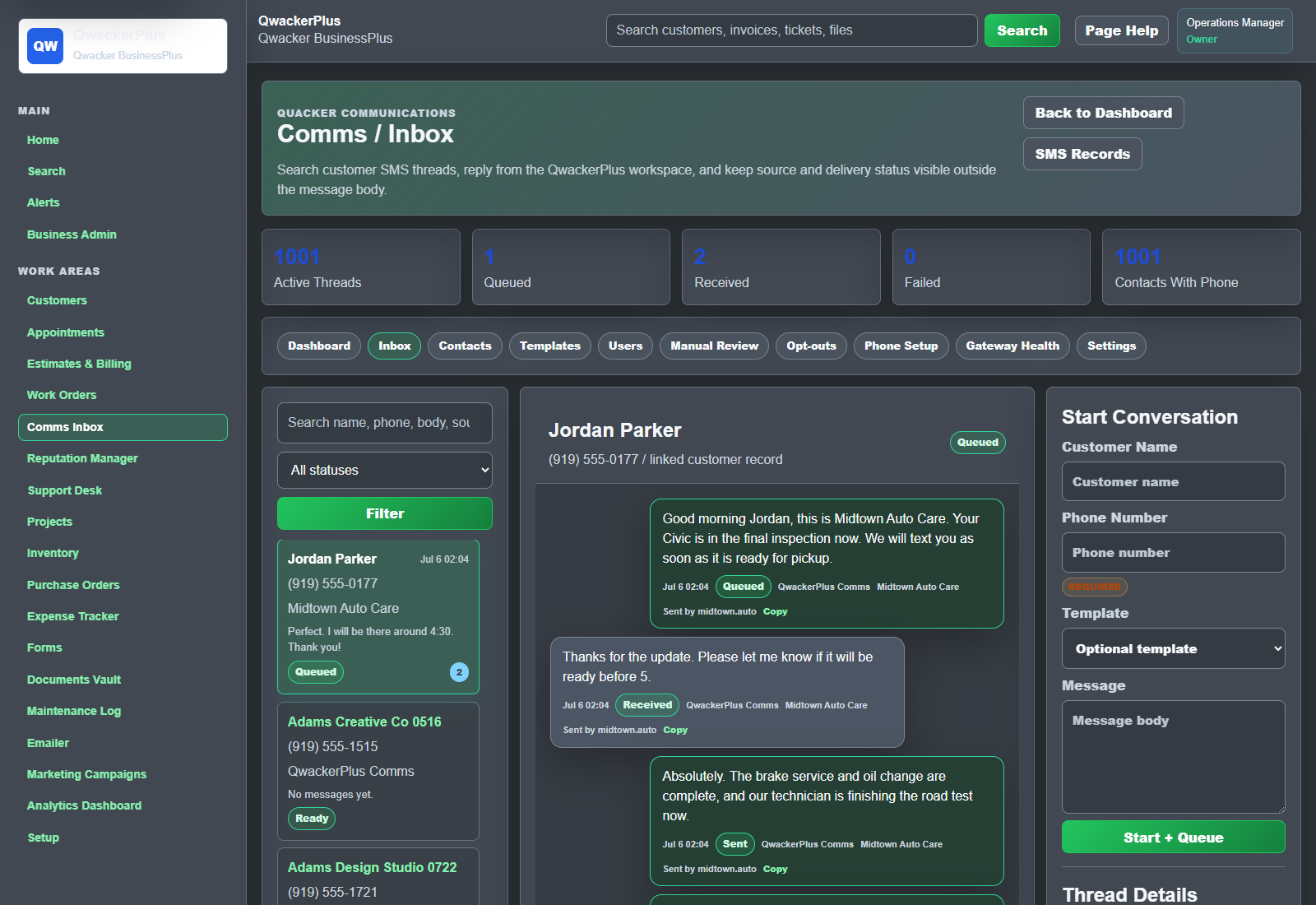
A job event, service update, approval need, invoice moment, or reply requirement occurs.
The software maps the event into the right customer-facing message or response path.
The communication goes out through the chosen product and line model without leaving the workflow structure.
The customer response returns into the same software surface so staff can act with context intact.
The team keeps moving the work forward from one connected operational system instead of jumping between tools.
Use Qwacker when customer messaging needs to move with jobs, updates, approvals, invoices, and replies inside the operating workflow.
The software becomes valuable when the message path, the team response path, and the business record all stay tied together.
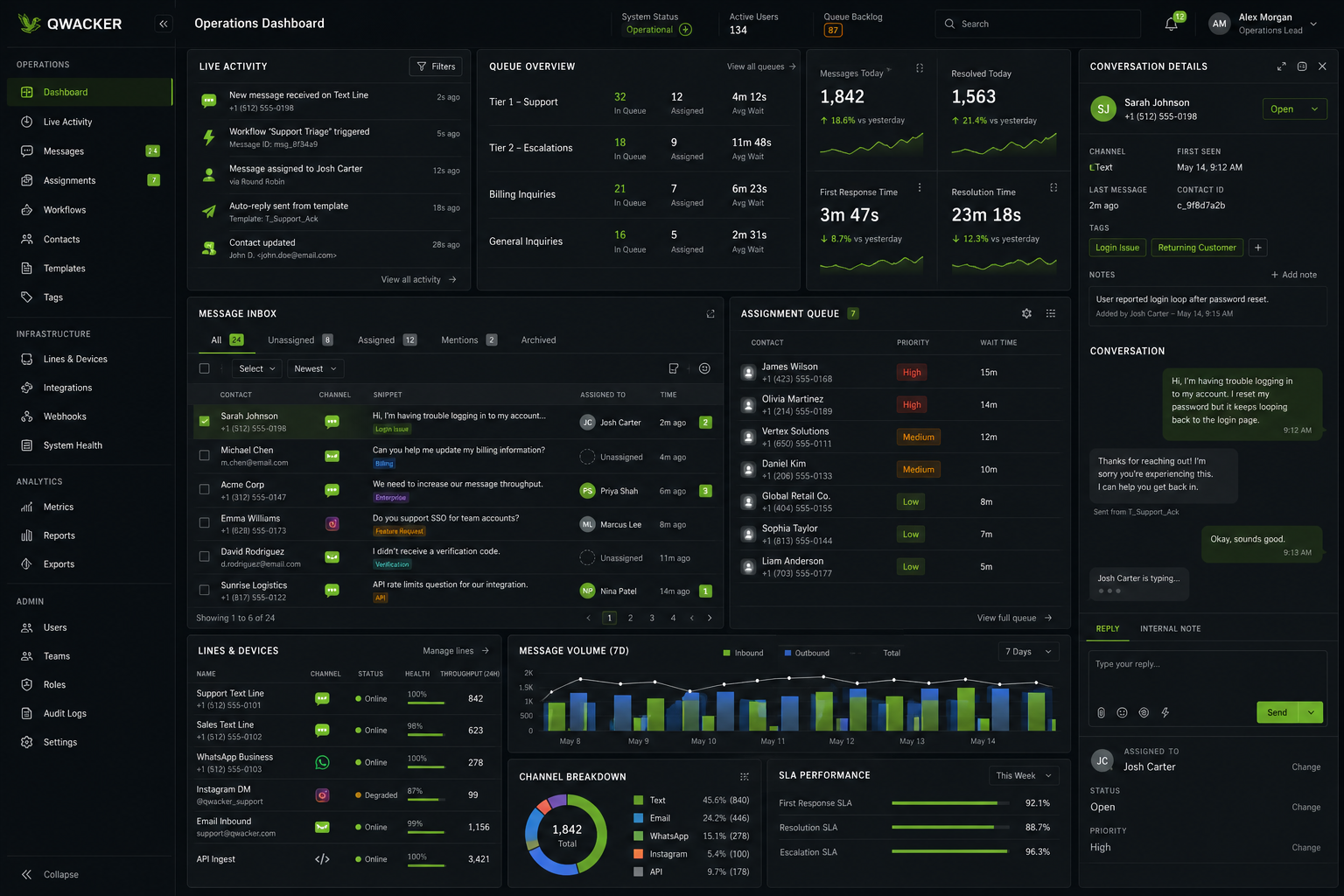
This software surface is built for broad operational visibility across live message activity, queue movement, assignments, and team response handling.
Software Visibility
Monitor conversation flow, assignment movement, and message operations across multiple active line paths from one operational surface.
Software Environment